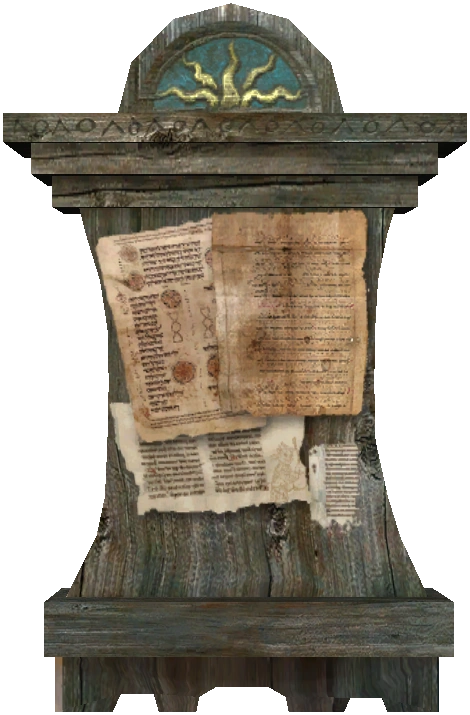
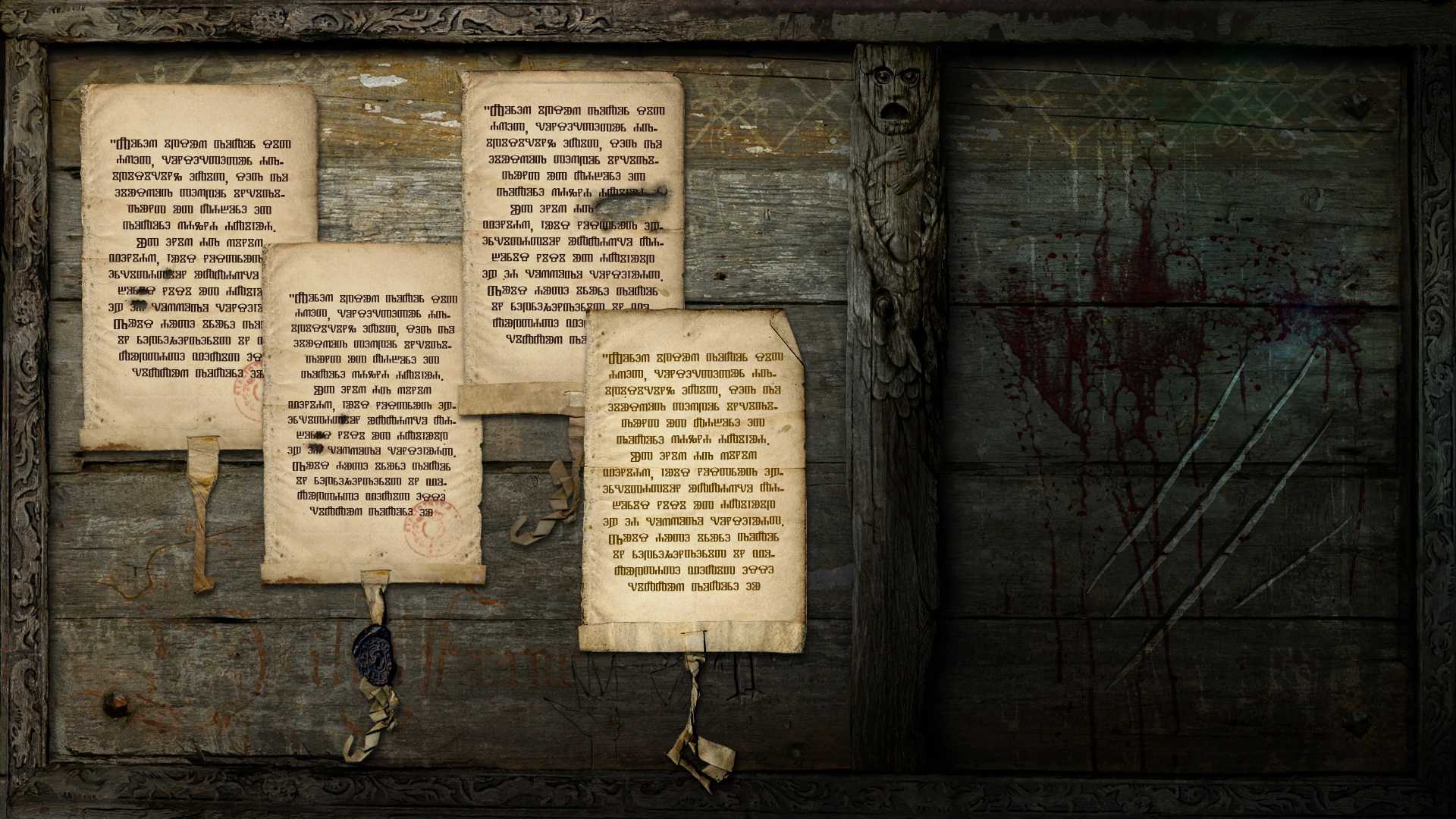
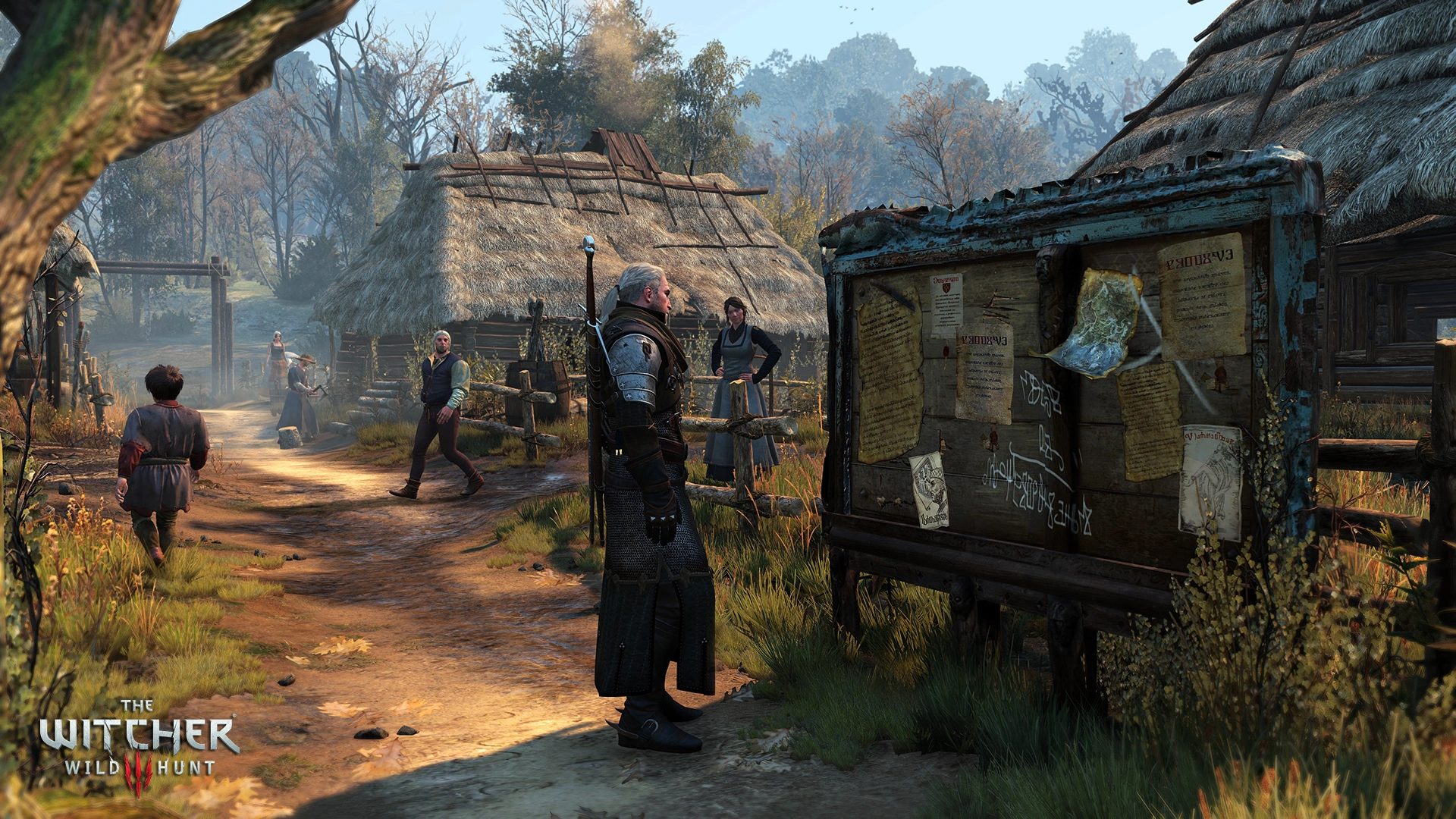
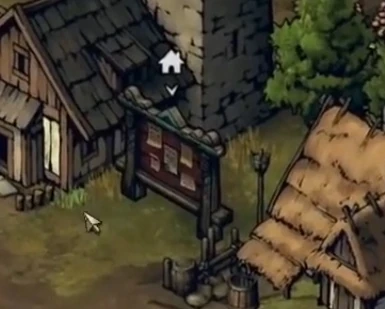
Notice boards are a very useful sources of information to a witcher looking for work. Geralt will find a number of these notice boards as he travels through the world. Typically, witcher Contracts are found in this manner in the game.
Notice boards are also where some secondary quests can be started. They also provide some details about current events in the Witcher world. Each game in the Witcher Series has implemented notice boards in relatively the same way.
Sometimes "one-time" notices appear. For example, in Chapter II, after all the contracts have been removed from the notice board outside the Hairy Bear, clicking on the board on Merchant Street reveals the following notice:
Actively seeking capable, open-minded swordsman. Inquiries: Kalkstein, Master of Alchemy
Mechanics
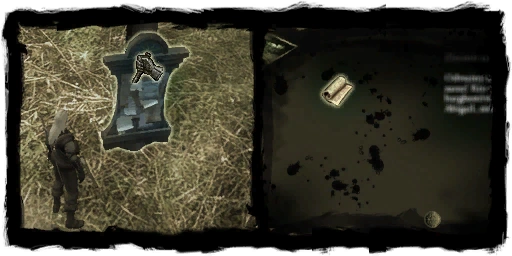
Notice boardsLeft-click on the notice board and drag any available notices to your Inventory.
Right-click on a notice to read it and unlock a new quest.
Tip: For boards with multiple notices, double-left-click on each notice to add it to your inventory without closing the notice board. This way you can read them as you acquire them.
a notice board
Note: After reading these notices they become worthless to Geralt, since the information is stored in his Journal. Plus they can not be sold, so you can drop all the notices immediately, to avoid cluttering your Inventory. Alternatively you can keep them until you complete the quests as they will be removed from your inventory once you turn them in to the client.
Similar to their implementation in other Witcher games, notice boards in The Witcher 3: Wild Hunt typically include contracts, quest information or general information about an area. Many of the non-quest-related notices on these boards will be re-posted if taken down and sometimes new notices will be added as different events occur in the region. Notices that lead to a quest may appear on multiple boards; once the quest has been started they are removed from all boards.
These are where the notice boards in the third game can be found and the messages that can be found here:
When a noticeboard is first used its map icon should turn from yellow to white. However, sometimes it may remain yellow even after picking up all quest giving notes, to fix this issue simply pick up all notes from the board including the useless ones and it should fix the problem.
Notes
Sometimes a map icon of a board may turn back to yellow color, this is not a bug, it's simply an indication that a new contract has appeared on the board.
Notice boards are a great source of information about what's happening in the area. Clicking on them will cause markers to appear on your regional map, showing you where to find places of interest.